In this article 12 sections
Introduction
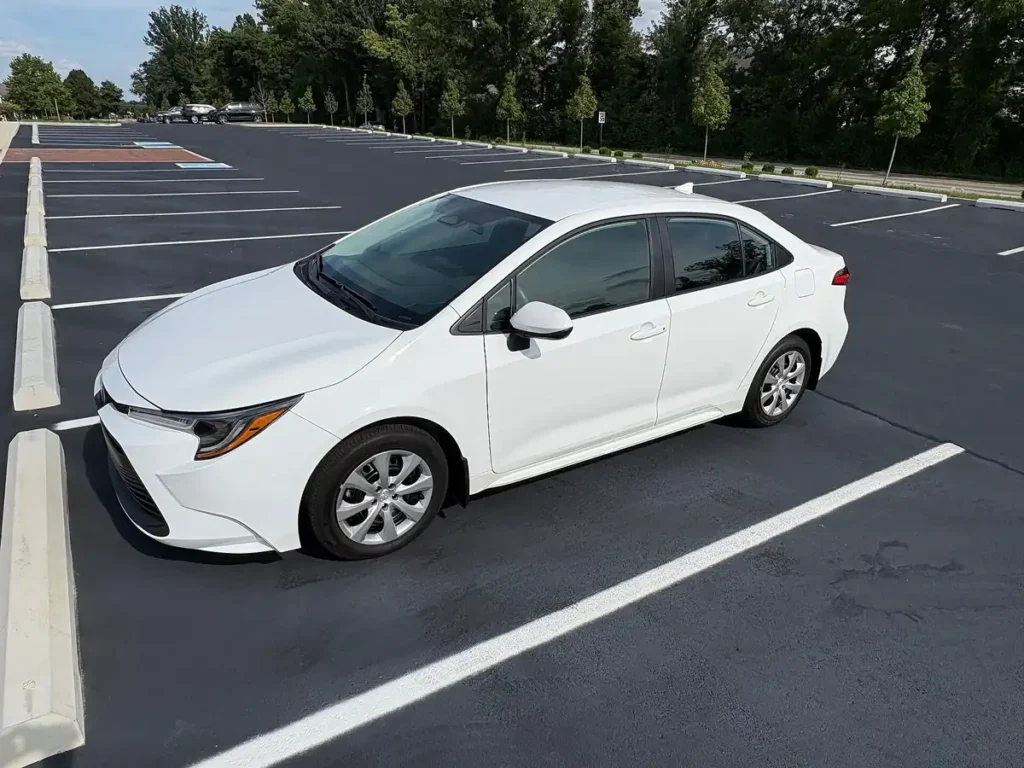
The Toyota Corolla uses Drive-Start Control (DSC), an engine-computer (ECM) function that cuts engine power if you shift between Park, Reverse and Drive with the accelerator pressed. A “Drive-Start Control malfunction” message means the ECM has disabled it after detecting a fault, often in the electrical system: a weak 12-volt battery, a blown fuse, damaged wiring, or a faulty shift-position switch or accelerator pedal sensor. Scan for stored codes, test the battery, and check for open recalls by VIN.
Quick answer: If the Corolla shows a Drive-Start Control malfunction message, pull over safely, switch the car off, wait briefly and restart. If it returns, stop driving and have it scanned for codes. Start with the 12-volt battery and charging system, then fuses, wiring, the shift-position (park/neutral) switch and the accelerator pedal sensor. Also check open recalls by VIN.
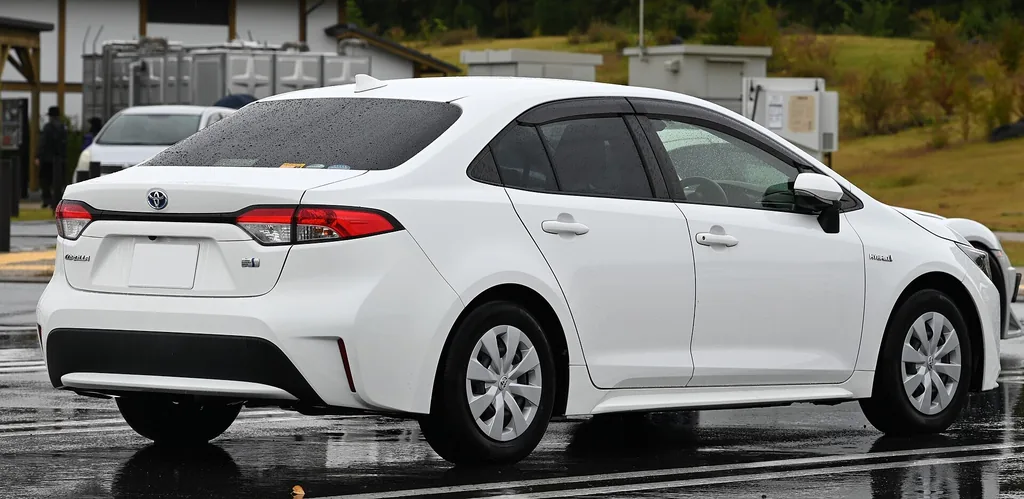
However, like any advanced system, the DSC in the Toyota Corolla is not immune to malfunctions. When issues arise, they can affect the car’s performance, compromise safety, and cause frustration for drivers. Understanding the Drive Start Control system and addressing any malfunctions promptly is essential for maintaining the car’s reliability and ensuring a safe driving experience. In this article, we’ll explore the workings of the DSC, common symptoms of malfunctions, potential causes, diagnostic processes, repair solutions, and tips to prevent future issues.
What is Drive Start Control (DSC)?
Drive Start Control is a safety system designed to prevent unintended acceleration caused by improper gear operation. According to Toyota’s service information, it acts when the shift lever is moved from Park, or between Reverse and a forward gear, with the accelerator pressed about one-fifth or more, and when the accelerator is pressed too far in Reverse.
Key Features and Purpose
- Prevents Sudden Acceleration: DSC intervenes when the system detects an abrupt or unintended increase in engine speed during gear changes.
- Enhances Safety: By regulating engine output, the system ensures that the vehicle doesn’t surge forward or backward unexpectedly, reducing the risk of accidents.
- Driver Assistance: DSC is controlled by the ECM and shares sensor data with systems such as traction control; Toyota says the power restriction also adjusts for road gradient and steering angle.
How It Works
When the driver shifts gears or presses the accelerator, the ECM monitors the accelerator pedal position and shift lever position. If it decides the two are being operated abnormally, it restricts engine output and, when necessary, shows a warning on the instrument cluster. Control ends when the pedal is released or the lever returns to Park or Neutral. This action gives drivers more control and minimizes the likelihood of collisions caused by human error.
This system is crucial in many Toyota models, including the Toyota Corolla, Toyota Camry, and even Lexus vehicles. While this system is a boon for safety, it relies on a network of sensors, control units, and software to function. Any issues within this network can lead to drive start control malfunction, which we’ll discuss in the sections below.
What Toyota Says the System Does, and Its Limits
Toyota described Drive-Start Control in a November 12, 2012 announcement as a function that reduces engine or motor output when the gear shift is operated erroneously while the accelerator is applied. It acts when the vehicle is stationary or moving at low speed, and shows a warning when it steps in.
Toyota’s own example is reversing in a parking lot, unexpectedly striking an object, and a startled driver shifting from reverse to drive while still pressing the accelerator. Toyota says Drive-Start Control reduces engine or motor output if it detects that.
Toyota also states the system may not perform as intended under all circumstances, depending on road, weather and vehicle conditions. That is why a “malfunction” message matters: it means this backup is switched off, and you are driving without it until the fault is fixed.
Common Symptoms of DSC Malfunction
Identifying the symptoms of a DSC malfunction early can help prevent further complications. Below are some of the most common indicators that something might be wrong with the system:
Warning Lights on the Dashboard
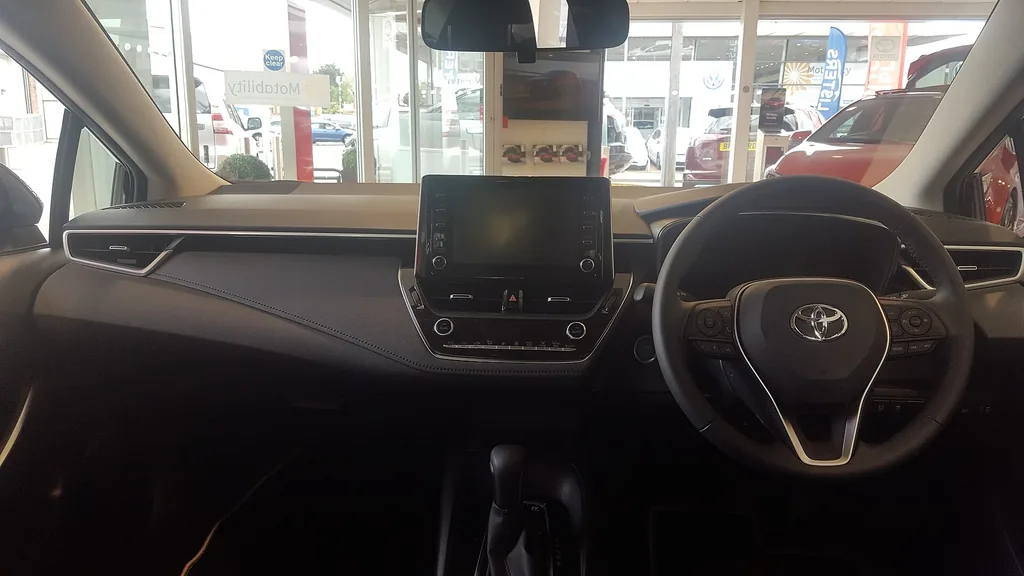
One of the first signs of a DSC issue is a warning light on the dashboard. The light may appear as a general engine warning or a specific indicator related to traction control or stability systems. Drivers should not ignore these warnings, as they often point to underlying issues that require attention.
Reduced or Unusual Acceleration
If you notice that your Toyota Corolla hesitates to accelerate or behaves unpredictably when you press the gas pedal, it could be related to a malfunctioning DSC system. The system may incorrectly limit engine output, even when acceleration is necessary. In severe cases, this could be linked to a malfunction in the electronic control of the engine.
Difficulty Shifting Gears
DSC limits engine power rather than controlling the transmission itself, but the same faults that trigger the warning, such as a bad shift-position switch, can also cause odd behavior when shifting between drive, reverse, or park. This issue can appear in Toyota models like the Corolla, Camry, and even Lexus vehicles with similar systems.
Error Messages
Modern Toyota Corollas often display specific error messages on the infotainment screen or dashboard when the DSC system encounters an issue. The usual wording is “Drive-Start Control malfunction” with a prompt to visit your dealer.
Recognizing these symptoms is the first step in addressing a DSC malfunction. Prompt action can prevent further damage and ensure the vehicle remains safe to drive.
Causes of Drive Start Control Malfunction
Several factors can contribute to DSC malfunctions in a Toyota Corolla. Understanding these causes can help drivers and mechanics pinpoint the problem more effectively.
Sensor Issues
- Throttle Position Sensor (TPS): This sensor reports the throttle valve opening, while a separate accelerator pedal position sensor reports how far you press the pedal. A fault in either can send incorrect signals to the ECM and set the DSC warning.
- Transmission Sensors: These sensors detect the gear position and ensure the system operates correctly. Damage or misalignment can lead to errors.
Software Glitches
Modern vehicles rely heavily on software to control safety systems like DSC. Outdated or corrupted software in the electronic control unit (ECU) can cause the system to misbehave. Regular updates from Toyota can often resolve such issues.
Mechanical Problems
- Battery and Charging Issues: A weak 12-volt battery or charging fault is one of the most commonly reported triggers for the warning.
- Wiring Damage: Broken or corroded wires connecting sensors to the ECU can disrupt the system’s communication.
External Factors
Environmental conditions, such as exposure to moisture, dirt, or extreme temperatures, can also affect the DSC system. For example, dirt accumulation on sensors may lead to incorrect readings.
By identifying the root cause of a DSC malfunction, drivers can ensure the correct repairs are made to restore the system. Addressing these issues promptly can also reveal related problems, such as a failing 12-volt battery or charging system.
First Checks: Likely Causes and What to Test
YouCanic’s repair guide groups the causes of the warning into electrical, sensor and engine faults. Use this table to work from the cheapest check to the costliest.
| Suspect | What to check | Group |
| Weak battery or charging system | Battery and charging test at a parts store or shop; low power is a common trigger | Electrical |
| Blown fuse | Inspect the fuses that protect the system (see the owner’s manual fuse chart) | Electrical |
| Damaged wiring, connectors or corrosion | Visual check for chafed wires, loose plugs and green or white corrosion | Electrical |
| ABS wheel-speed sensor | Scan for ABS codes; the sensor feeds wheel speed to the computers | Sensor |
| Park/neutral position (shift-position) switch | Scan for gear-position codes; a failed switch sends wrong gear data | Sensor |
| Accelerator pedal sensor | Scan for pedal-position codes; a faulty pedal can send false signals | Engine |
| Ignition coils or spark plugs | Check for misfire codes if power is also reduced | Engine |
The same guide recommends an OBD2 scanner to read the diagnostic trouble codes and watch live data while driving, so you replace the part the data points to instead of guessing.
Diagnosing the Problem
Accurate diagnosis is critical for resolving DSC malfunctions. Here’s how mechanics typically approach the issue:
Scanning for Error Codes
Mechanics use diagnostic tools to scan the vehicle’s ECU for error codes. These codes provide specific information about what might be causing the malfunction. Common diagnostic trouble codes (DTCs) related to DSC include those for the throttle sensor or gear selector.
Visual Inspection
A thorough visual inspection of the sensors, wiring, and connectors is performed to identify any visible damage or wear. Technicians also check for dirt or debris that may interfere with sensor readings.
Test Drives
Mechanics often take the car for a test drive to replicate the issue and gather more data. Observing how the vehicle behaves under different conditions can provide additional clues.
Analyzing Data Logs
Some advanced diagnostic tools allow mechanics to analyze real-time data from the vehicle’s sensors. This information helps in pinpointing the exact component causing the issue.
Solutions and Repairs
Once the problem is diagnosed, the following solutions may be applied:
Resetting or Recalibrating the System
In some cases, a simple reset or recalibration of the DSC system can resolve the issue. This process involves clearing error codes and allowing the system to relearn its parameters.
Software Updates
Updating the vehicle’s software to the latest version provided by Toyota can fix bugs or glitches in the DSC system.
Repairing or Replacing Components
- Sensor Replacement: Faulty sensors, such as the TPS or transmission sensors, may need to be replaced.
- Wiring Repairs: Damaged wires or connectors should be repaired or replaced to restore proper communication.
Cost Considerations
The drive start control malfunction repair cost can vary depending on the root cause of the issue. Minor repairs like recalibrations may be inexpensive, while component replacements could cost more. It’s always a good idea to get an estimate from a certified Toyota service center.
Seeking Professional Help
For complex issues, it’s best to consult a certified Toyota mechanic. They have the expertise and tools needed to address DSC malfunctions effectively.
If the Warning Appears: What to Do and What to Ask the Dealer
YouCanic’s first step is simple: pull over safely, turn the engine off, wait briefly and restart to see whether the message clears. The guide stresses that if it stays on, you should stop driving and get a professional diagnosis, since the safety backup is disabled and engine output can be reduced or delayed.
- Write down when it happened: cold start, after a shift, or while accelerating.
- Ask for the stored trouble codes in writing, including any battery or charging codes.
- Ask for a battery and charging-system test before parts are replaced.
- Ask the dealer to check open recalls for your VIN and whether any service bulletins apply to your model year.
- If the car is still under Toyota’s new-vehicle warranty, say so at check-in and read your warranty booklet for coverage terms.
- Ask for a written estimate that separates diagnosis from parts and labor.
Asking for the codes and a recall check costs nothing, and it narrows the cause before you pay for any part.
Preventing Future Malfunctions
Prevention is always better than cure. Here are some tips to keep your Toyota Corolla’s DSC system in top condition:
- Regular Maintenance: Follow the manufacturer’s recommended maintenance schedule to ensure all components are functioning correctly.
- Software Updates: Check with your Toyota dealer for the latest software updates.
- Keep Sensors Clean: Regularly clean and inspect sensors to prevent dirt buildup.
- Practice Safe Driving: Avoid aggressive gear changes or excessive throttle application to reduce strain on the DSC system.
More Questions About Drive-Start Control
What does Drive-Start Control malfunction mean on a Toyota Corolla?
It means the engine computer has switched off Drive-Start Control after detecting a fault. Toyota built the function to reduce engine output if the gear shift is operated wrongly with the accelerator pressed, so while the message shows, that backup is not working.
Can I keep driving with a Drive-Start Control malfunction?
The message means a safety backup is off, and repair guides advise stopping and getting a diagnosis. First pull over, switch the car off, wait briefly and restart. If the message returns, have the car scanned before further driving.
What usually causes a Drive-Start Control malfunction?
Repair guides list a weak battery or charging fault, blown fuses, damaged wiring, a failed ABS wheel-speed sensor, a faulty park/neutral position switch, or a bad accelerator pedal sensor. A scan for stored codes shows which one.
Conclusion
The Drive Start Control system in the Toyota Corolla plays a vital role in ensuring safe and smooth driving. While malfunctions can be frustrating, understanding the system and addressing issues promptly can help maintain your vehicle’s reliability and performance. By staying proactive with maintenance and repairs, you can avoid costly problems down the road.
If you found this guide helpful, check out more content on our blog for tips, tricks, and insights about maintaining your Toyota Corolla and other vehicles. Safe driving!
Related guides: more check engine codes explained. You may also like P0441 Code Toyota.
Specs, prices and safety ratings change between model years and trims. Verify them for the exact Toyota you are considering:
Sources
- Toyota service information: Drive Start Control description
- YouCanic: Toyota Drive Start Control malfunction causes (repair reference)
- NHTSA: check recalls by VIN
- Toyota Motor Corporation (Nov. 12, 2012): Drive-Start Control announcement

Morgan Reyes is the founder and editor-in-chief of NextCarReview, which Morgan launched in August 2024. A 2022 graduate of Columbia University, Morgan is based in New York and writes and edits the site’s reviews, comparisons and buying guides. Morgan does not road-test vehicles. Every article is built from published primary data: EPA FuelEconomy.gov ratings, NHTSA crash ratings, recalls and owner complaints, IIHS results, and manufacturer specifications and pricing, with each figure cited and checked before publication. Contact: admin@nextcarreview.com